Senior living residences & care homes
Life in the residence, visible to everyone.
The resident sees what is happening today, the family gets the news without calling, the team publishes from where the session is running. One entry serves all three.
- Legible, high-contrast interface designed for people over 75
- Families receive posts as notifications
- Image consent requested resident by resident
Les Tilleuls residence
13:42
Good afternoon
Tuesday 14 April
12° · Clearing
Birthday
Suzanne turns 91 today
On today's agenda
- 10:30Memory workshopGarden room
- 14:00Gentle exerciseWellbeing room
- 16:00Musical teaRose lounge
FR · NL · EN
36 px
minimum body text on the lobby screen
88 px
minimum touch target on the kiosk
< 1 min
to publish the photos from a session
Three people wait for the same information, through three different channels.
The resident looks for it on a noticeboard, the family gets it by phone, the team enters it three times. Nobody is at fault — the circuit simply isn't there.
The resident doesn't know what is happening today
The programme is pinned up by the lift, in 12-point type, and it dates from Monday. Who comes down to the activity depends on who remembered to tell whom.
The family far away is left guessing
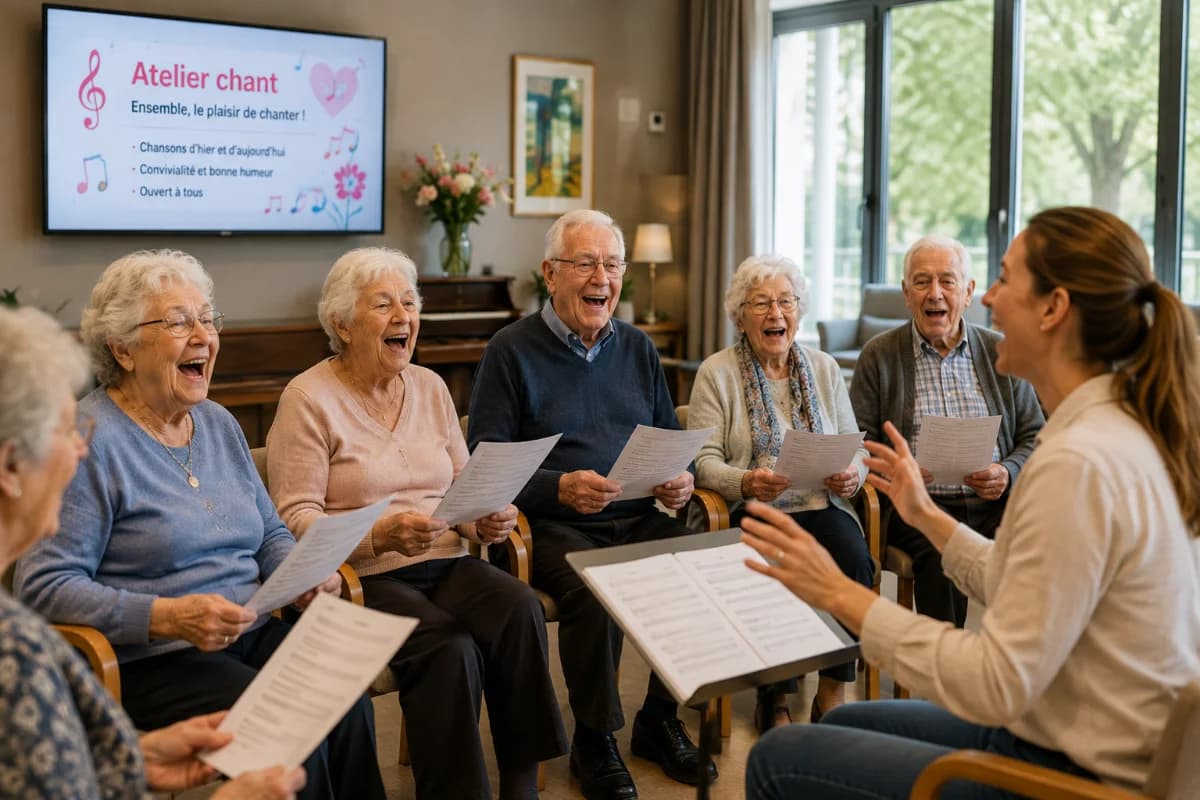
Her daughter lives three hours away. She calls on Sunday and always asks the same question: “so, what did you get up to this week?” On Tuesday there was a choir session. Nobody told her.
The activities coordinator posts the same outing three times
Once on the lobby noticeboard, once in the email to families, once on the team's board. And the version on show is rarely the most recent.
What changes for a residence.
Accessibility isn't a configuration option: it's the default layout, because the main reader is over 75.
An interface genuinely built for people over 75
Text at AAA level on every reading surface, 36 px minimum body text on the lobby screen, 88 px touch targets, one idea per screen.
Elsewhere: a generic interface, shrunk onto a large screen.
The link with families, with no extra work
The album from the session published for the screen goes out at the same moment in the family app. The team doesn't write a second message.
Elsewhere: a family newsletter to prepare separately.
Image consent handled resident by resident
Photo on the screen, photo in the app, first name displayed, birthday announced: each permission is separate, and declining is the default.
Elsewhere: a single box signed on arrival, never revisited.
A display that follows the rhythm of the house
The 14:00 session moves up at 13:30, the birthday shows in the morning, the menu rises before lunch.
Elsewhere: a static loop set on Monday.
03The platform
Four surfaces, one entry.
Publish once and it appears at the same moment on the screen, on the kiosk and in the app. The rest of the time, the screen runs on its own.
The day's information, readable from an armchair
- 36px minimum and one idea per screen: readable without reading glasses.
- The next activity, today's lunch, today's birthday — with nobody touching the screen.
- After a power cut the playlist restarts on its own: no intervention from the team.
Les Tilleuls residence
13:42
Good afternoon
Tuesday 14 April
12° · Clearing
Birthday
Suzanne turns 91 today
On today's agenda
- 10:30Memory workshopGarden room
- 14:00Gentle exerciseWellbeing room
- 16:00Musical teaRose lounge
FR · NL · EN
Four ways in, not a drop-down menu
- 88px targets with immediate visual feedback: a shaking hand doesn't miss the tile.
- This week's album, the diary, the menu, visiting hours — all one finger away.
- No account, no password: the kiosk is public and shows only what has been permitted.
Welcome
News without having to ask for it
- Families receive the home's posts at the moment they go out.
- A message sent from the app appears on the floor's screen, once the team has read it.
- The number of families connected never enters the pricing.
 Suzanne D.Les Tilleuls residenceFamily
Next activity
Singing workshop
Blue lounge · ground floor
Today
See all
- 10:30Memory workshopGarden room
- 14:00Gentle exerciseWellbeing room
- 16:00Musical teaRose lounge
Photos
3 of 12

Three clicks to publish, a record to prove it
- What goes to the screen goes to the app at the same instant: nothing written twice.
- Consent is set resident by resident, and a withdrawal unpublishes everywhere, immediately.
- Templates for the ordinary — menu, birthday, activity — so nobody starts from a blank page.
- Dashboard
- Posts
- Agenda
- Photos
- Residents
- Consent
Lobby screen · online
Les Tilleuls residence
New post
PreviewPublishTitle
Message
Photo
Audience
Delivery
One entry, three surfaces
Withdrawing a consent unpublishes the photo across all three surfaces, with no delay.
Three situations from the week.
Nothing exceptional — it's the ordinary that makes the difference.
The Tuesday session
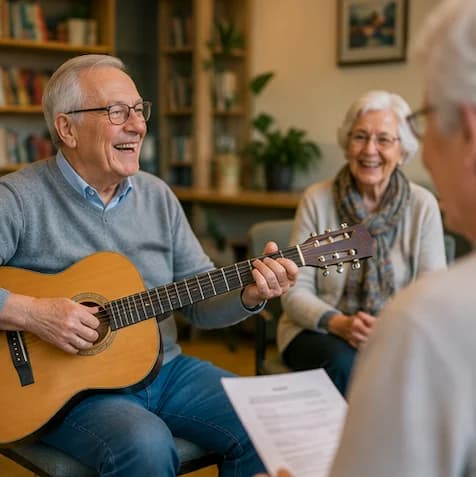
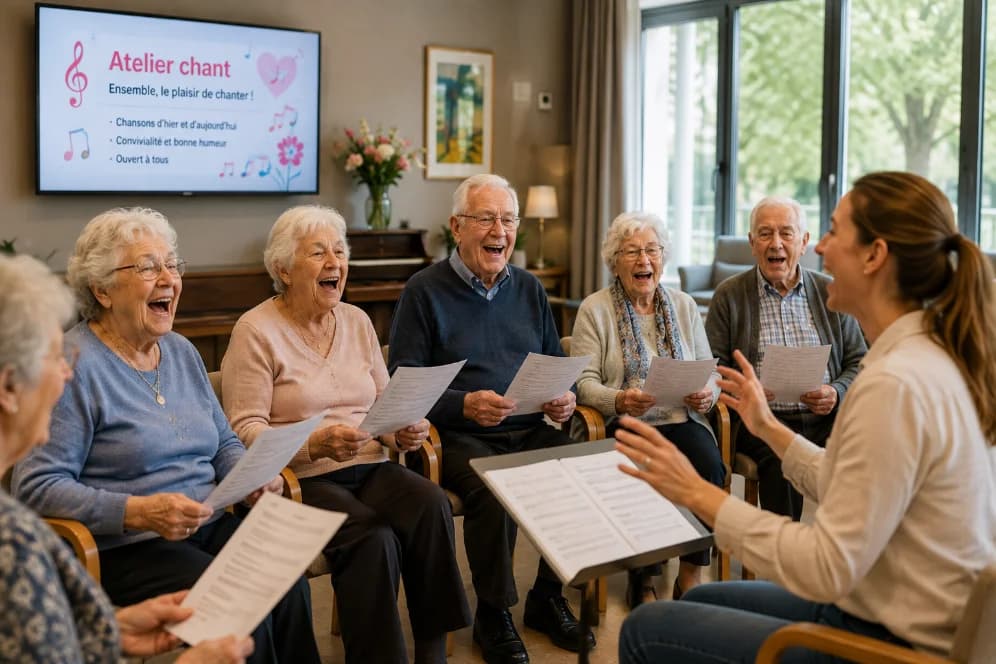
The activities coordinator photographs the session on her phone and publishes before tidying the room. The lobby screen shows the album that evening, and families get a notification.
The menu change
The kitchen changes the dish of the day at 10:00. The console updates the screen, and the information moves to the front an hour before service.
The daughter who lives far away
She receives the residence's posts, sends her father a message from the app, and that message appears on the screen on his floor.
Senior living pricing
The tier is chosen on the number of residents. The subscription covers the software; the screens are quoted separately by Ynova.
Starter
Residents · 30 to 80
€79/ month
- Setup
- €250
- First-year total
- €1,198
Most chosen
Professional
Residents · 80 to 200
€249/ month
- Setup
- €500
- First-year total
- €3,488
Premium
Residents · 200 and above
€499/ month
- Setup
- €750
- First-year total
- €6,738
25% off the subscription on an annual commitment. The setup fee is still payable once.
06What you are buying
engagewall is software. The screen comes from our partner.
Better said before you sign than after: your subscription covers the platform, not the hardware. Screens and their installation go through Ynova, who invoice you directly.
Included in the subscription
- Admin console and role management
- Mobile app for families and relatives
- Kiosk and display module (the software part)
- Support through setup
- Team training
Not included — supplied by Ynova
- Physical screens and kiosks
- Hardware installation and mounting
- Hardware maintenance
- Connectivity plan
Ynova rents out the hardware and quotes for it separately. We make the introduction; you stay in charge of the negotiation.
07Personal data
What reassures families before it reassures IT.
Showing someone's photo in a reception area is not a technical detail. engagewall treats consent as a front-line feature, not a checkbox in the settings.
Granular consent
Each person concerned — or their legal representative — chooses what may be shown: photo on the screen, photo in the app, first name displayed, event announced. Declining is the default.
Immediate withdrawal
Withdrawing consent unpublishes the content in question across all three surfaces, with no technical intervention and no propagation delay.
European hosting
Data hosted in the European Union, encrypted in transit and at rest, and logged. Sub-processors listed in the register handed to the client.
Contract pack ready
Data processing agreement (GDPR article 28), record of processing activities, retention periods and the procedure for exercising rights, all provided on signature.
Questions from residence management.
The screen stays legible without being touched: the playlist runs on its own and the information of the moment is always on show. Touch adds browsing the photo album and the week's schedule; it is never needed to get the essentials.
Each resident — or their legal representative — gives four separate permissions: photo on the screen, photo in the app, first name displayed, birthday announced. Declining is the default, and a withdrawal immediately unpublishes the content in question across all three surfaces.
They create a free account when the residence invites them. The number of connected families doesn't enter into the price: only the number of residents sets the tier.
Yes. The price depends on the number of residents, not the number of screens — Ynova invoices the additional hardware. So you can add a screen per floor without changing tier.
Pilot programme 2026
Try thirty days. Decide after, not before.
Thirty days free on the subscription. We fit out a limited number of sites each quarter so we can keep support at this level.
The setup fee is still payable, and the hardware is quoted separately by Ynova. A reply within one working day.
- Thirty days' subscription free, every feature open
- Software setup and team onboarding
- A named contact throughout the trial
- No automatic renewal at the end of the pilot